 Home
 Back
 Forward
 Print
Setting up owners to accept scanned Invoices to owner’s statements
Prior to using the attached scanned invoices to owners statement feature for the first time you will need to set up the program to accept your scanned invoices to be imported to the management agreement.
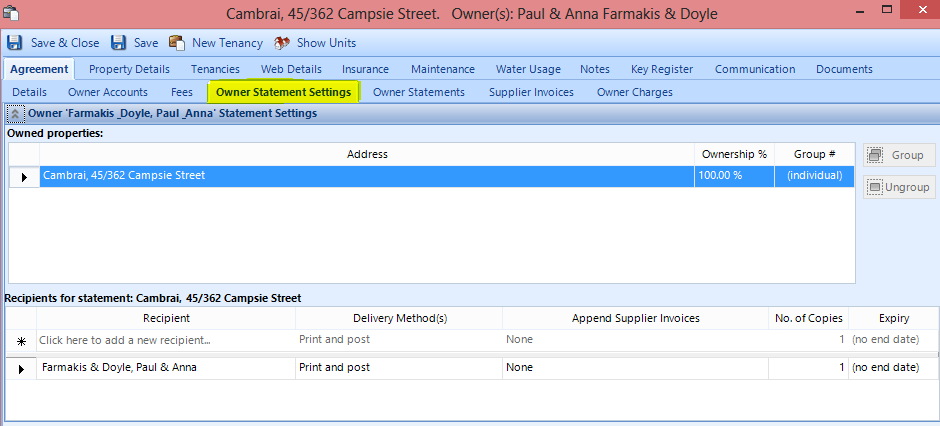
To perform this procedure you need to set up your owners to accept append supplier invoices.
· Property Management
· Management Agreements
· Find the agreement you would like edit
· Owners statement settings
· Append Supplier Invoices
· Select Paid Invoices / Unpaid Invoices or both
· Click on save and close


Continue this for all you owners that you would like to attach invoices to their statements.