Home
 Back
 Forward
 Print
Reports Tool Bar
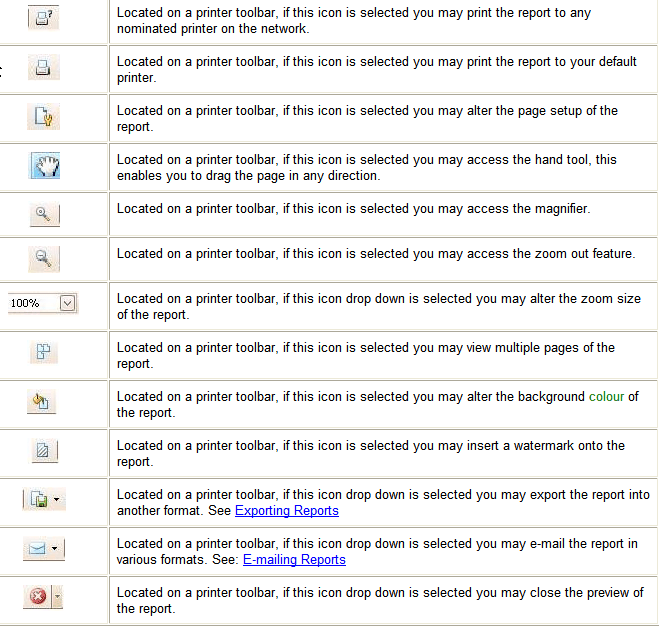
The reports tool bar enables you to perform various functions for the report displayed.

1. Click on the Tools button.
2. Point to Print Report…
3. Select the relevant report.
4. Click on the OK button.
5. Select any Filtering and Sorting Options if applicable.
6. Click on the Preview button to preview the report. The report will be displayed.
7. Use any of the following options on the Reports Tool Bar.